Tools
Chat UIs vs IDE agents — which to use for code
Chat UIs and IDE agents both “help you code,” but they optimize different loops. Picking the wrong surface wastes context and creates messy patches. This note compares them as tools, then gives simple rules for when to switch.
What each tool is good at
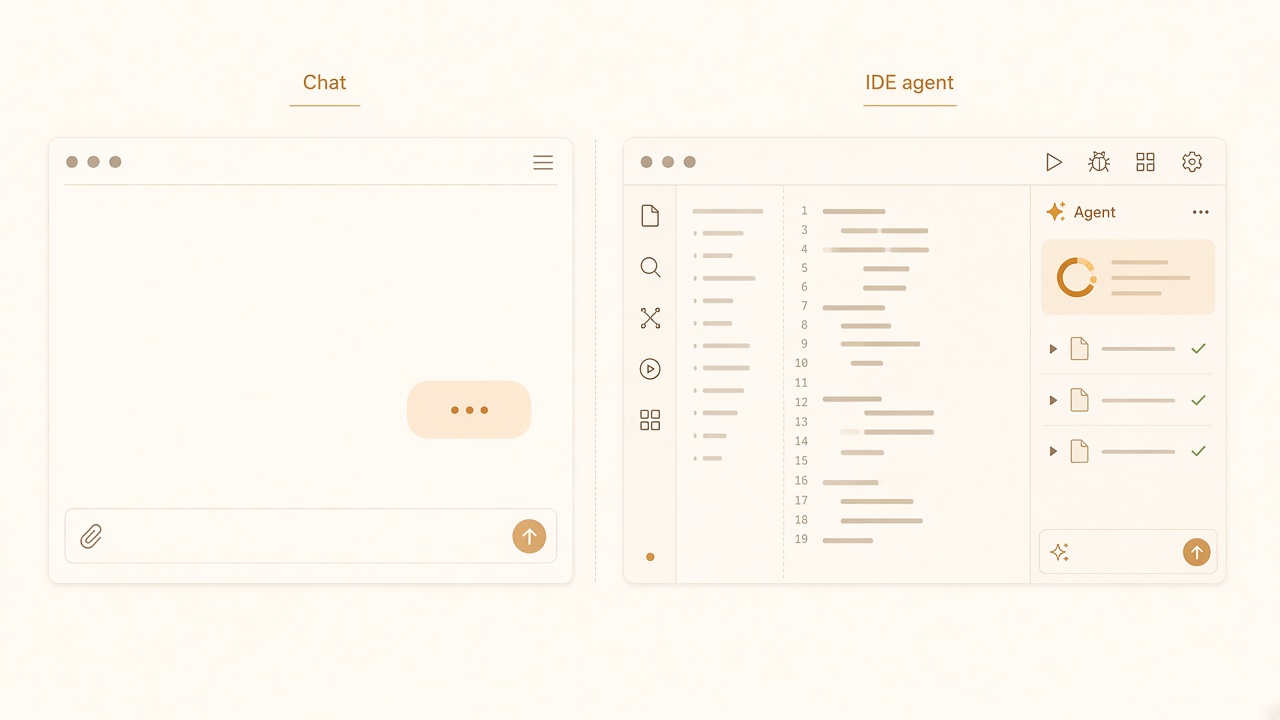
Two operating modes: browser chat vs IDE agent.
Chat UI (browser or desktop chat)
Strengths
- Fast reasoning over pasted snippets, stack traces, and design tradeoffs
- Easy side-by-side comparison of approaches before touching the repo
- Handy for docs, regex, SQL sketches, and API shape debates
- Low setup: no workspace indexing required for small questions
Weaknesses
- Weak default awareness of your full tree, scripts, and local conventions
- Copy-paste drift: answers go stale as the repo moves
- Encourages large pasted solutions that bypass your review gates
- Easy to lose decisions across many threads
IDE agent (editor-native or project-scoped agent)
Strengths
- Reads and edits files in place; diffs are reviewable in the normal SCM flow
- Can follow project rules, skills, and path constraints
- Runs tests/commands you allow and iterates on real failures
- Better for multi-file changes that must match local patterns
Weaknesses
- Over-eager edits if you prompt vaguely
- Noisy diffs when the agent “cleans up” unrelated code
- Heavier failure mode: a bad session can touch many files before you stop it
- Needs a maintained rules/skills layer to stay well-behaved
Comparison table
| Dimension | Chat UI | IDE agent |
|---|---|---|
| Primary artifact | Advice, snippets | File diffs |
| Repo awareness | Manual paste / upload | Native workspace context |
| Best task size | Single function, design choice | PR-sized, multi-file |
| Review style | Read prose, then apply | Read diff, then accept/reject |
| Risk | Wrong advice applied by hand | Wrong patch applied at scale |
| Cost pattern | Tokens on conversation | Tokens on exploration + edits |
Pick rules
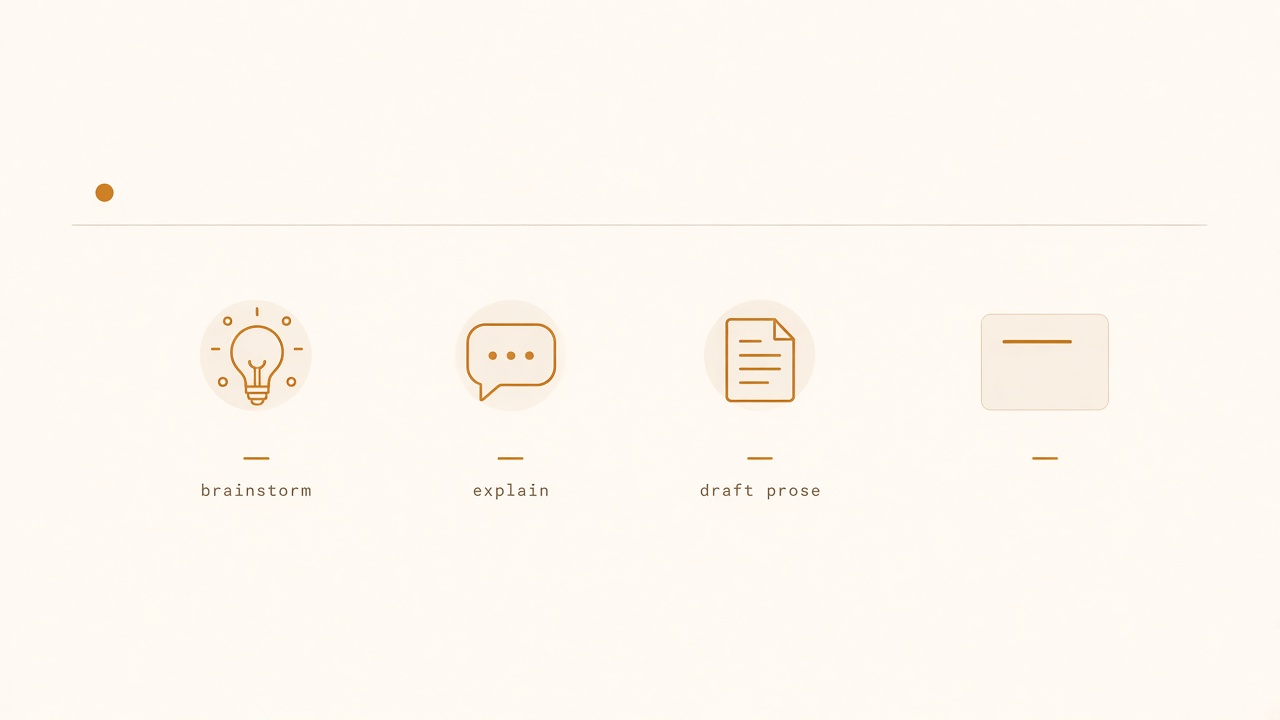
Prefer chat for brainstorming, explanation, and drafts.
Use chat when:
- You have not decided what to build
- You need a rubber-duck on architecture options
- The input is a log, RFC, or error you can paste completely
- You explicitly do not want files changed yet
Use an IDE agent when:
- The next step is a concrete change in a known repo area
- Multiple files must stay consistent (types, routes, tests)
- Project skills/rules already encode constraints
- You can define a narrow allow-list of paths
Use both in sequence for non-trivial work:
- Chat: clarify options and write a short plan with constraints.
- IDE agent: implement the approved plan in small slices.
- Chat (optional): review a pasted diff for conceptual holes—not as a second editor.
Operating tips that matter more than the brand
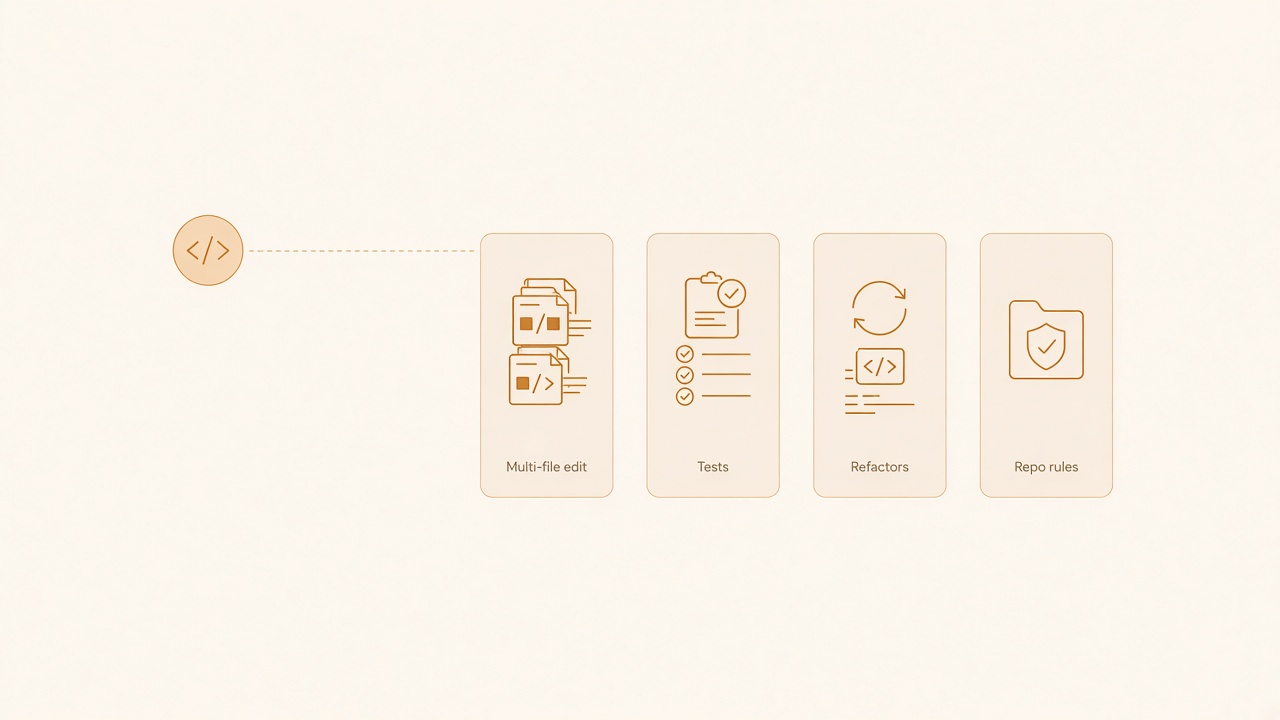
Prefer IDE agents for multi-file edits, tests, and repo rules.
- Put path limits in the first agent message every time.
- Reject sessions that mix feature work with formatting churn.
- Keep chat threads short; summarize decisions into the agent prompt.
- Prefer the agent’s diff view over accepting “apply all” blindly.
- If you correct the same mistake twice, write a skill/rule instead of retyping it.
Common failure modes
Chat-as-IDE. Pasting half a codebase into chat, accepting a full rewrite, and hand-applying it. You lose reviewability and blame.
Agent-as-oracle. Asking the IDE agent open questions (“improve performance”) without metrics or files. You get speculative refactors.
Ping-pong. Alternating chat and agent every two minutes without a written plan. Context splits; neither surface owns the outcome.
Bottom line
Chat is for deciding. IDE agents are for changing. If your session cannot say which of those you are doing, stop and choose before you spend another prompt. For a fuller workflow around safe agent edits, pair this note with the AI pair-programming guide.