Guides
Choose a personal AI stack for chat, code, image, and video
A personal AI stack should be boring in the best way: few tools, clear jobs, and defaults you can use when you are tired. Most people accumulate overlapping chat tabs, three image apps, and an IDE agent they only open for demos. This guide helps you choose one primary tool per job—chat, code, image, video—plus a thin backup lane.
At a glance
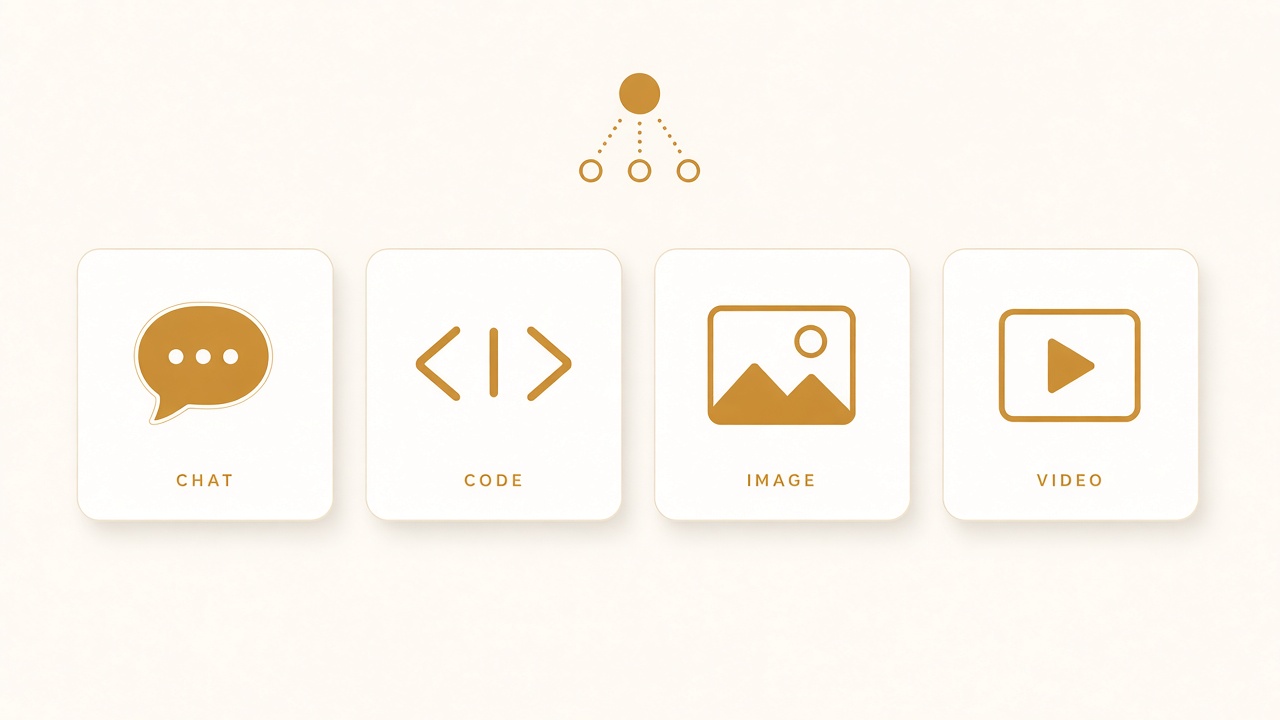
Four seats in a personal AI stack: chat, code, image, video.
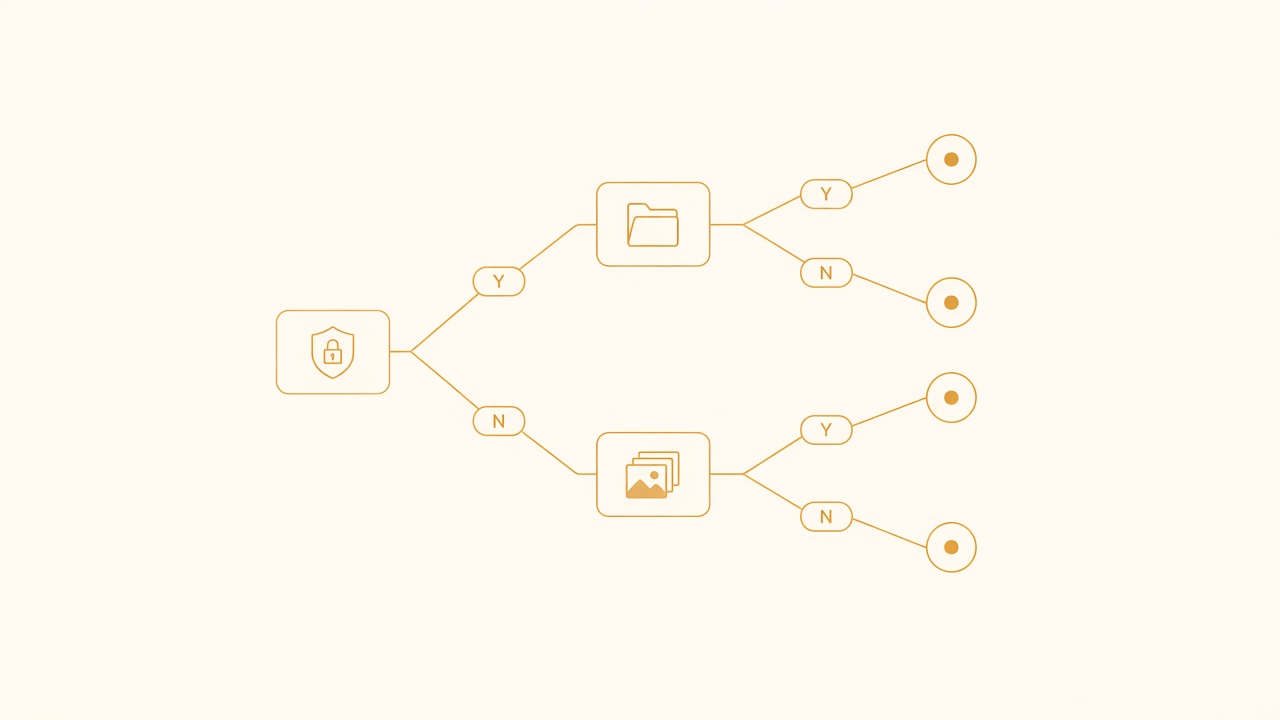
Pick tools by constraints: privacy, multi-file work, batch media.
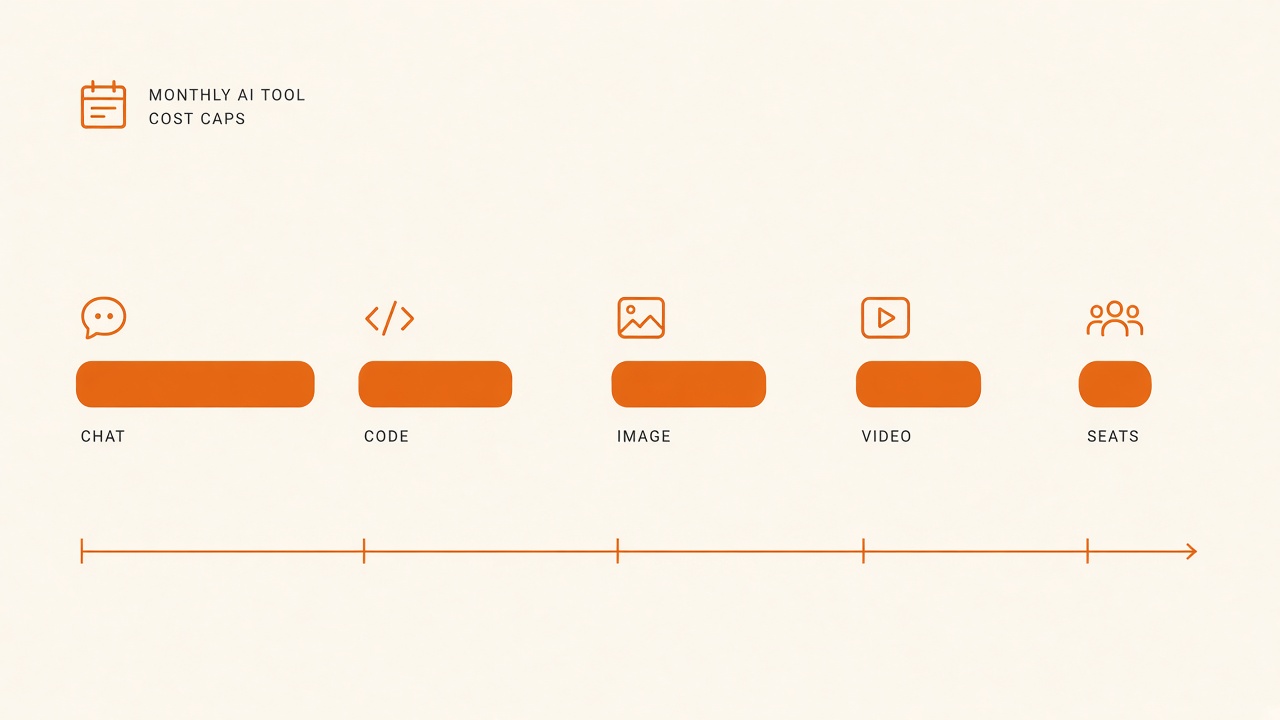
Set monthly cost caps per seat before upgrading plans.
Define jobs, not brands
Write the jobs you actually do in a normal week. Example:
- Explain and draft writing (chat)
- Change code in a real repo (code)
- Make thumbnails or concept frames (image)
- Produce short explainers or social cuts (video)
If a job appears less than twice a month, do not give it a paid seat yet. Use a free tier or a feature inside a tool you already pay for.
Also note constraints that beat feature lists: budget cap, privacy needs (what may leave your machine), offline requirements, and whether you work mostly on desktop or phone.
Chat — one daily driver, one specialist
Daily driver. Pick a general chat model/UI for research, outlining, rewriting, and decision support. Criteria that matter in practice:
- Reliable instruction following on long threads
- Good enough browsing or file upload for your workflow
- Export or copy paths that do not fight you
- Stable latency during your work hours
Specialist (optional). Keep a second chat only if it wins on a narrow job your driver loses—deep document Q&A, a language you use daily, or a cheaper high-volume drafting lane.
Rules that prevent sprawl:
- New chat tools must replace something, not sit beside it.
- Put system prompts / custom instructions in one place and reuse them.
- End sessions with a short note of decisions, not a pile of open tabs.
Chat is for thinking and drafting. It is a weak default for multi-file repo work unless it is tightly connected to your project tools.
Code — IDE agent first, chat second
For coding, prefer an agent that lives where the files live: your editor or an IDE-integrated agent with project rules, file attachments, and terminal access you control.
Selection criteria:
- Can respect project instructions (skills, rules, AGENTS notes)
- Shows diffs you can reject in pieces
- Works with your language/tooling without constant setup
- Failure mode is visible (you see commands and file edits)
Keep a general chat model as a side lane for API design debates, error-message decoding, and rubber-ducking when you do not want the agent touching the tree.
Operational rule: one coding agent is the source of patches; chat suggestions get pasted in as requirements, not as silent alternate editors.
Image — separate “ideation” from “production”
Image tools split into two jobs people often confuse:
- Ideation — mood, layout options, “what if” frames.
- Production — assets that must match brand, size, text, and reuse rules.
You may use one model for both, but your workflow should still separate them. Ideation tolerates inconsistency. Production needs a locked style reference, fixed aspect ratios, and a checklist for text legibility.
Practical criteria:
- Control over aspect ratio and seed/style reference
- Acceptable text rendering if you put words in images (many still fail—plan for post-edit)
- Commercial terms that match how you publish
- Speed for iteration; batch generation helps ideation more than perfectionism
If most of your images are UI screenshots or diagrams, a design tool plus light AI fill may beat a pure generative app.
Video — pipeline tool vs generation toy
Decide whether your video job is editing a pipeline (script, VO, screen capture, captions) or generating clips.
For educational or product shorts, a conventional editor plus TTS/captions usually outperforms “all generative” workflows. Use generative video for stingers, abstract transitions, or topics with no confidential UI.
Criteria for the video seat:
- Fits your length (short-form vs long)
- Caption and audio tools you will actually use
- Export presets for the platforms you ship to
- Storage and project organization that survives more than one week
Avoid paying for two generative video subscriptions until one pipeline has shipped a dozen episodes.
Budget and redundancy
A resilient stack looks like this:
| Job | Primary | Backup |
|---|---|---|
| Chat | One paid seat | One free/alternate model |
| Code | IDE agent | Chat for planning only |
| Image | One generator | Manual design / stock fallback |
| Video | Editor + VO/TTS | Generative clips as optional B |
Backups exist for outages and for tasks the primary botches. They are not parallel daily drivers.
Review spend monthly with one question: which seat produced shipped artifacts? Cancel tools that only produced experiments.
Assemble your one-page stack card
Create a note with:
- Primary tool per job and why it won
- Backup tool and the single trigger to switch
- Privacy rules (what data never gets pasted)
- Prompt or skill locations for each job
- “Do not buy” list for the next quarter
Revisit the card when a major model release lands—but change one seat at a time. Swapping everything at once destroys the muscle memory that makes a stack feel fast. If a new tool cannot state which job it replaces on the card, it is entertainment spend—not stack improvement. Keep the card in the same place as your other operating notes so you actually open it when billing renews.
Privacy and paste hygiene
Your stack is incomplete without paste rules. Decide what never enters a cloud prompt: customer secrets, unreleased credentials, private keys, and anything under NDA that your contract forbids sharing with processors. Prefer IDE agents with explicit file allow-lists for private repos, and strip identifiers from stack traces before chat debugging when needed.
Write those rules on the stack card. Tools change; the data you must not leak does not.
A 7-day selection exercise
Day 1–2: run the same three chat tasks in two candidates; keep the one with fewer retries.
Day 3–4: complete one real PR with the coding agent; note friction.
Day 5: produce three production-sized images for a real asset need.
Day 6: ship one short video through your pipeline.
Day 7: write the stack card and cancel or pause everything else.
Re-run a lighter version of this exercise after major model launches—one seat at a time—so you compare against your current default instead of against marketing pages.
You are done when defaults are obvious. The goal is not the maximum capability surface. The goal is a small set of tools that quietly support the work you already do.