Guides
Build a short-video pipeline from script to voice to edit
Short video fails most often at the seams: a script that cannot be spoken, a voice take that does not match the cut rhythm, or an edit that invents B-roll after the hook is already dead. This guide lays out a linear pipeline—script, voice, edit—with checkpoints so each stage protects the next. Use any mix of AI and manual tools; the order matters more than the brand names.
At a glance
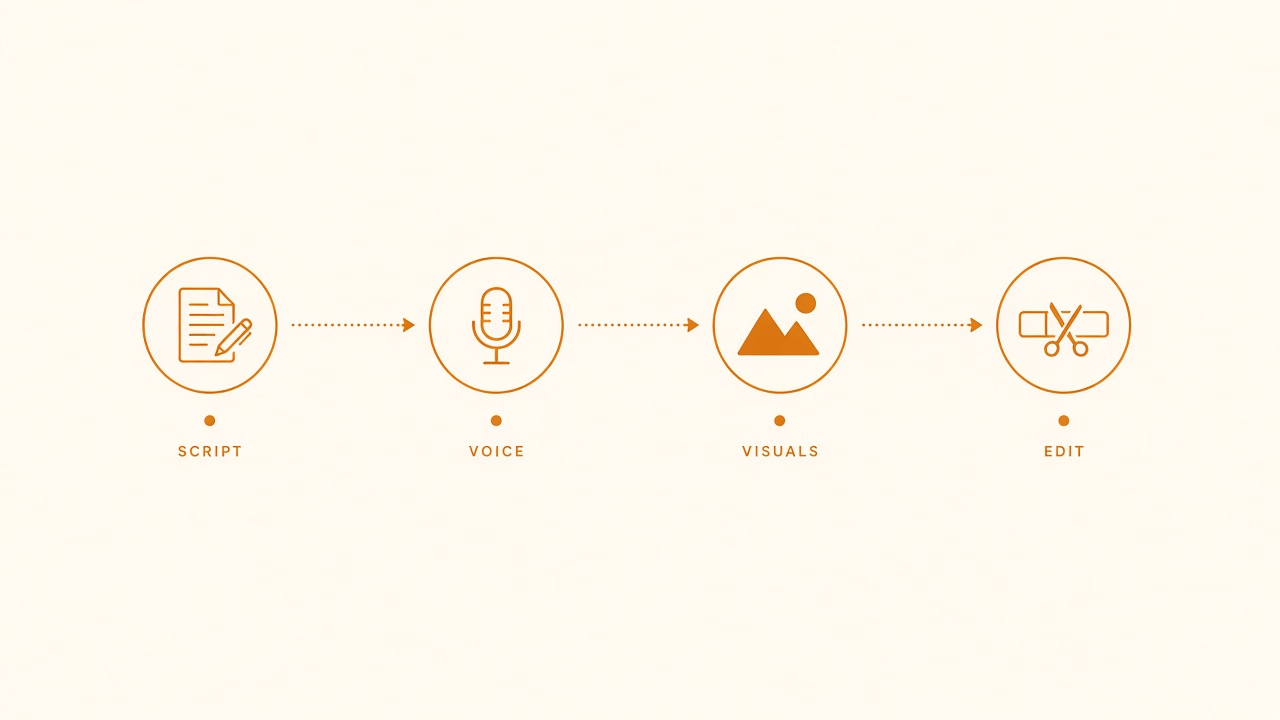
Pipeline seats: script, voice, visuals, edit.
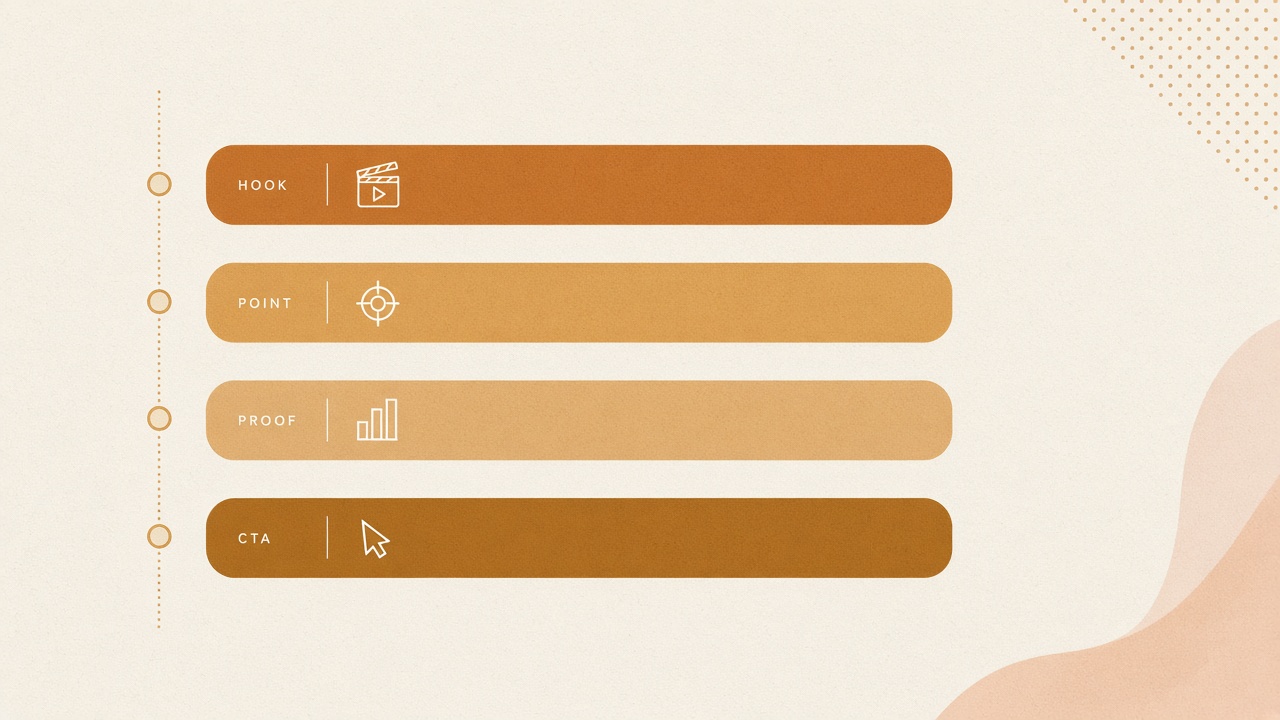
Script spine: hook, point, proof, CTA.
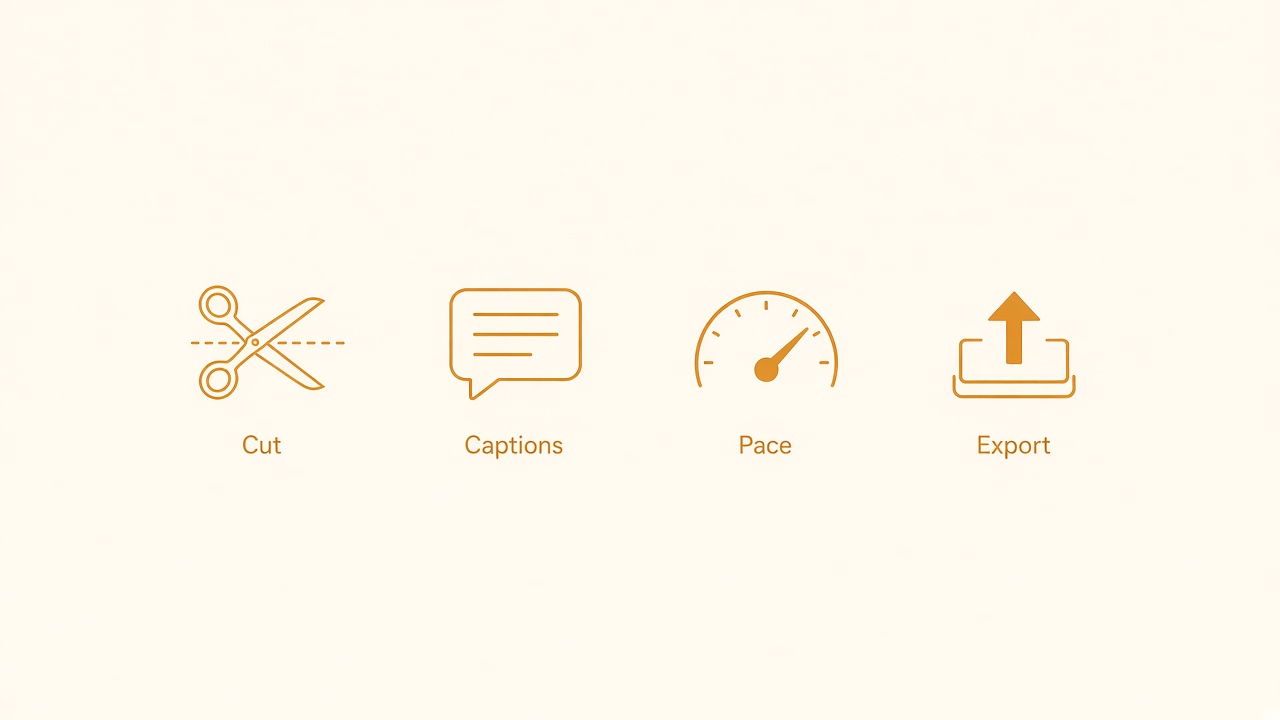
Edit pass: cut silence, captions, pacing, export.
Decide the job of one video before writing words
Write one sentence that states the viewer outcome:
- “Viewer can set up X in under 60 seconds.”
- “Viewer understands why Y fails and the one fix.”
- “Viewer leaves with a checklist for Z.”
If you cannot finish that sentence, do not open a generator yet. Ambiguous goals produce scripts that sound busy and teach nothing.
Also pick length and platform constraints early: 30–45 seconds for a single tip, 60–90 seconds for a mini walkthrough. Hard length caps force ruthless structure.
Stage 1 — Script for speech, not for reading
Draft in spoken lines, not essay paragraphs. A workable short structure:
- Hook (1–2 lines) — name the pain or the result.
- Setup (2–3 lines) — who this is for and what they need open on screen.
- Steps (3–5 beats) — each beat is one action the viewer can copy.
- Close (1–2 lines) — restates the outcome or the next action.
Read the draft out loud once. Mark any sentence you trip on. Those lines will fail in voiceover even if they look fine on screen.
Script constraints that help AI drafts
When you use a model to draft or tighten:
- Give the outcome sentence, length target, and audience.
- Ban fluff openers (“In today’s video…”).
- Require step labels that map to on-screen actions.
- Ask for a second pass that shortens every line by ~20% without losing steps.
Keep a “source of truth” script file. Do not let later tools silently rewrite claims. If the edit needs a shorter line, change the script first, then re-record or re-generate that segment.
On-screen text plan
While scripting, note 4–8 on-screen phrases. These are not captions of every word. They are anchors: tool names, numbers, warnings, final checklist items. Writing them now prevents the editor stage from inventing a second narrative.
Stage 2 — Voice that matches cut rhythm
Choose voice mode deliberately:
- Your voice when trust and niche authority matter.
- TTS when volume and iteration speed matter, and the topic is instructional rather than personal.
Either way, record or generate in segments that match script beats (hook, setup, each step, close). Segmented audio is easier to replace when one step changes.
TTS checklist
- Pick one voice and stick to it for a series; switching mid-channel feels broken.
- Set speaking rate slightly slower than you think for tutorials; viewers need time to see the UI.
- Export dry audio (no heavy music bed baked in). Mix music later so you can duck under speech.
- Normalize loudness once for the whole episode so edits do not jump in volume.
Human VO checklist
- Record the hook twice with different energy; pick later.
- Leave half-second gaps between beats for cut points.
- Clap or leave a marker before each step so alignment in the timeline is obvious.
Do not proceed to edit until you have listened to the full VO without watching pictures. If the story is unclear in audio alone, visuals will not save it.
Stage 3 — Edit as assembly, not discovery
Import assets in a fixed order: VO track first, then screen recordings or generated clips, then captions/on-screen text, then music/SFX last.
Picture for instructional shorts
Prefer real screen captures or product footage for “how to” content. Generative B-roll is fine for mood openers or abstract topics, but it is a weak carrier for precise UI steps. If a step requires clicking a specific control, show that control.
Cut pattern that usually works:
- Hard cut on each script beat.
- Hold the relevant UI region long enough to read.
- Zoom or crop only when it clarifies a control—not as decoration on every shot.
- Place on-screen text for the beat’s keyword within the first half-second of the cut.
Captions
Burned-in captions help silent autoplay, but keep them short. Prefer phrase chunks over full-sentence walls. Align caption changes with VO phrases so the eye is not fighting the ear.
Music and pacing
Add music only after picture lock. Duck under speech. If a section feels slow, fix the script or VO first; speeding a weak explanation with jump cuts rarely improves comprehension.
AI where it helps—and where it burns time
Helpful:
- Tightening a spoken script to a duration target
- Generating alternate hooks for A/B testing
- TTS for draft cuts before you record final VO
- Auto-captions as a starting point you correct
Costly:
- Regenerating entire videos because the hook was vague
- Using image/video models to fake UI that viewers need to trust
- Prompt-chasing “cinematic” B-roll for a checklist tip
Treat generative clips as optional B-layer, not as the reason the pipeline exists.
A one-video run sheet
- Write the outcome sentence and length cap.
- Draft spoken script; read aloud; cut limp lines.
- List on-screen anchors.
- Produce VO in beat-sized segments; listen without picture.
- Capture or generate picture per beat.
- Assemble VO → picture → text → music.
- Export one draft; watch on a phone once.
- Fix only the top three clarity issues; ship.
Quality bar before export
Watch the draft once on a phone with sound off, then once with sound on. Silent viewing catches weak on-screen anchors; audio viewing catches rushed steps. Check three things only: Does the hook promise a result you deliver? Can a stranger follow each step without pausing twice? Is the close a clear next action?
If any answer is no, edit the script beat—not the effects stack. Transitions and stickers rarely fix a missing step.
Series hygiene
Keep a folder template: script.md, vo/, raw/, edit/, export/. Store the final script next to the export so you can reuse structure next week. Consistency across episodes teaches viewers what to expect and teaches you where the pipeline leaks. Batch recording VO for two or three scripts in one sitting often saves more time than a new generative plugin.
The pipeline is working when each new short is mostly assembly: same structure, fresh content, minimal tool thrash. When a video feels hard, check which stage you skipped—usually the spoken script or the VO-only listen—before buying another generator subscription. Ship the imperfect episode that teaches one clear thing; archive the forever-regen project folder.